




Multimodal Writing for Learner Variability
Student Voice & Choice
How Pixton Supports the Whole Learner
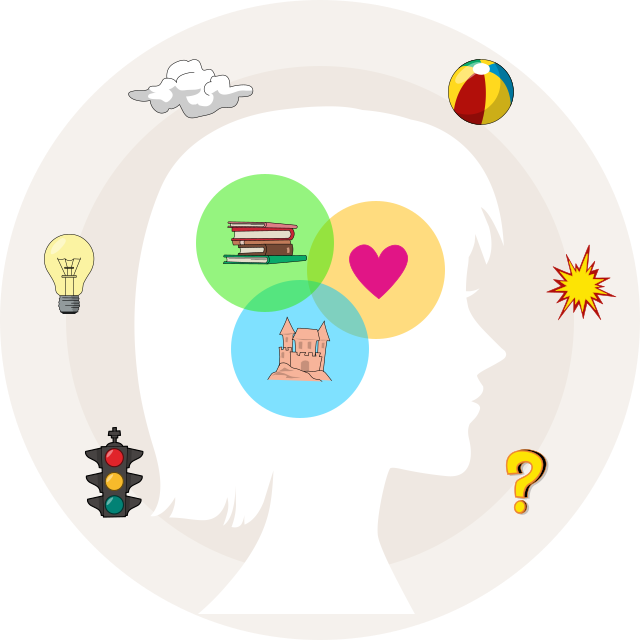
Pixton supports the whole learner by addressing how students think, feel, and communicate while they learn. Visual communication, purposeful reading and writing, and built-in scaffolds help students organize ideas, stay focused, and work with content in ways that fit their strengths and needs.
Pixton’s Lesson Ideas, Story Starters and Featured Content can also support perspective-taking, empathy, motivation, and student ownership, giving learners meaningful ways to connect with what they are learning.
Accessibility in Pixton
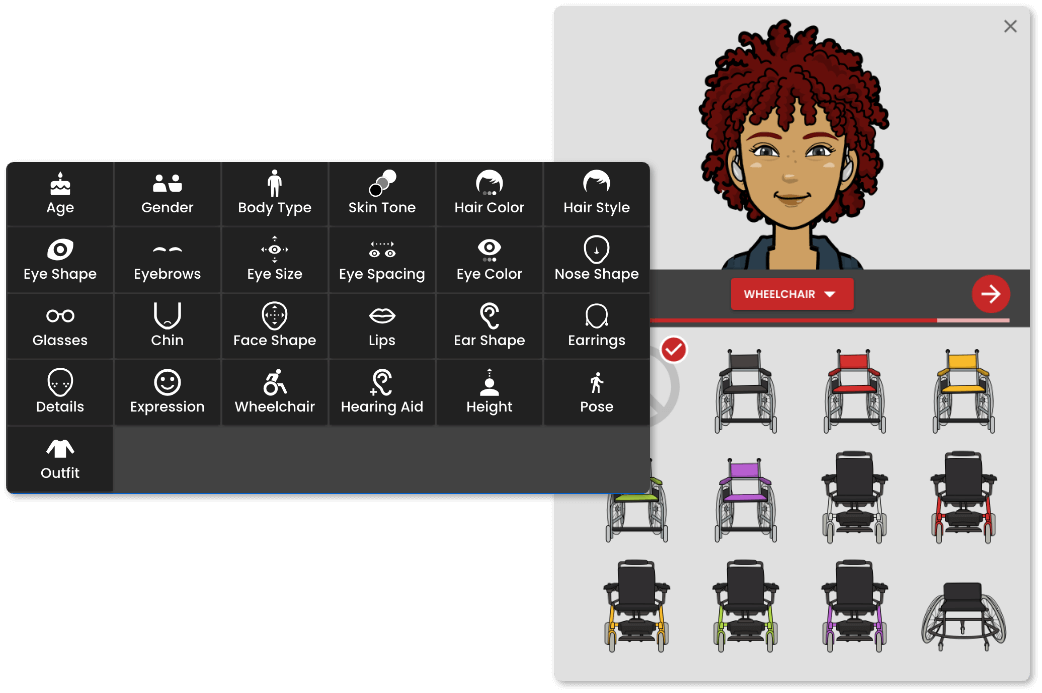
Pixton is committed to making our content accessible to people with a diverse range of hearing, movement, sight and cognitive abilities.
An Accessibility Conformance Report covering WCAG 2.0, 2.1, and 2.2 Level A and AA criteria, documenting where individual accessibility criteria are supported, partially supported, or not supported, is available below.
-
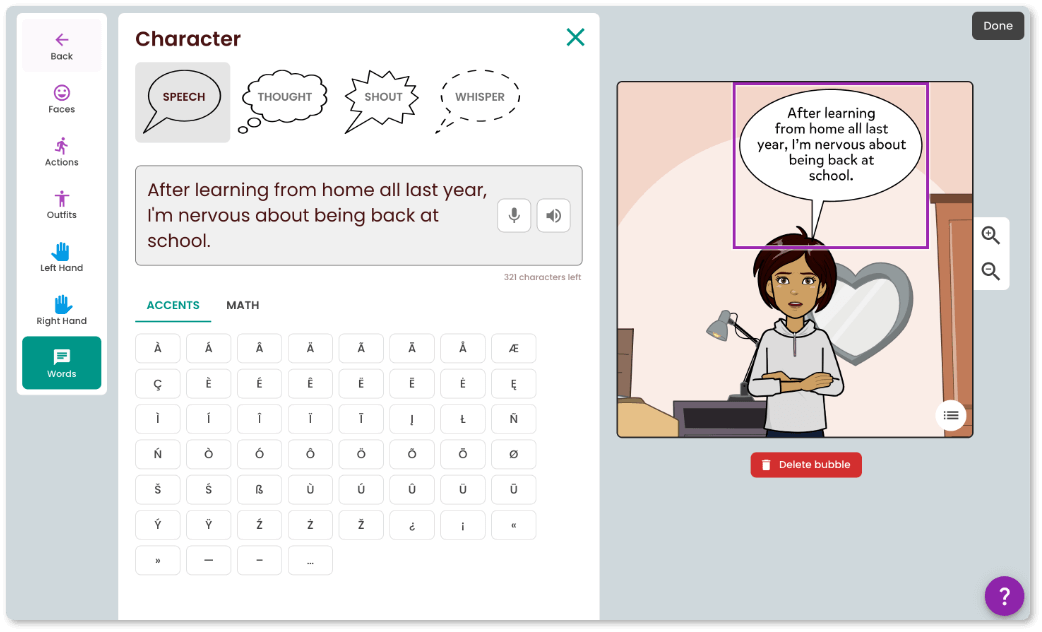
Speech-to-text
In combination with a microphone, users can utilize voice dictation as an alternative to typing. -
Text-to-speech
Users can convert written content into audio for enhanced accessibility, aiding those with visual impairments. -
Alt-text and screen reader
Our website images contain alt-text to allow screen readers to read invisible alternative text for images aloud. -
Keyboard Navigation
Navigate through elements on the website simply using your keyboard by pressing the tab or arrow keys.
Designed With Learner Variability in Mind

Pixton has earned Digital Promise's Learner Variability Product Certification, recognizing product design intended to support variation among learners through features such as student voice, choice, flexible supports, and educator-informed development. Digital Promise included Pixton among products receiving Learner Variability certification in 2026.
Pixton has also earned Digital Promise's Research-Based Design Certification, and an independent review by LXD Research found Pixton meets ESSA Tier 2: Moderate Evidence criteria.
Built With Educator Feedback
Pixton continues to improve based on educator and learner needs. Feedback from support conversations, surveys, polls, and focus groups informs updates to representation, accessibility, classroom workflows, content, and instructional tools.
To see a full list of our recent updates, visit our Product Updates page.
Give Every Student a Way In
Use multimodal writing to support different strengths, needs, and ways of learning.